Fleet software for PCO rental companies
Fleet and rental operations, made easy.
Digital vehicle inspections, damage records, signed rental contracts and a customer and driver portal — in one app, under your own brand.
Stop the damage disputes
Photographed, signed inspections and a damage history by registration give you evidence, not arguments.
Contracts without paper
Numbered rental contracts signed on screen and stored as PDFs with your logo and footer.
Customers help themselves
A portal where customers and drivers see their contracts and documents and upload new ones.
Everything a rental fleet needs to stay organised
Vehicle inspections
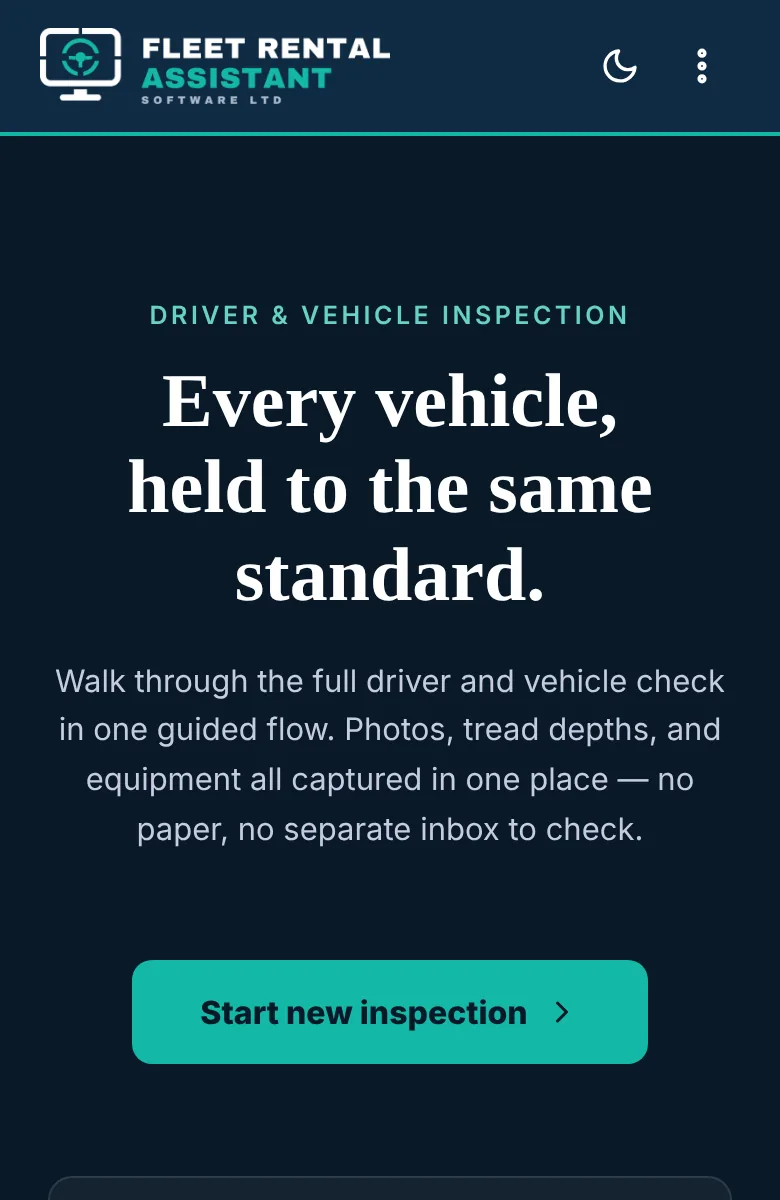
Guided check-out and check-in inspections on a phone or tablet: photos, tyre tread depths, equipment and a pass/fail result, saved as a PDF report.
Learn more →Damage tracking
A damage diagram for every car, with a history by registration so you always know what was already there — and what is new.
Learn more →Rental contracts
Contracts generated from your own template, signed on screen and stored as a PDF with your logo and footer.
Learn more →Customer and driver portal
Your customers and drivers sign in with their email to see their own contracts, documents and details — and upload new documents.
Learn more →Fleet management
Your vehicles in one list, with MOT and road tax checks, mileage, maintenance history and reminders.
Learn more →Custom forms and checklists
Build your own forms — inspections, handovers, check-ins — with the fields, steps and rules you need.
Learn more →Your brand, your app
Put your own logo, name and colours on the app, the PDFs and the emails.
Learn more →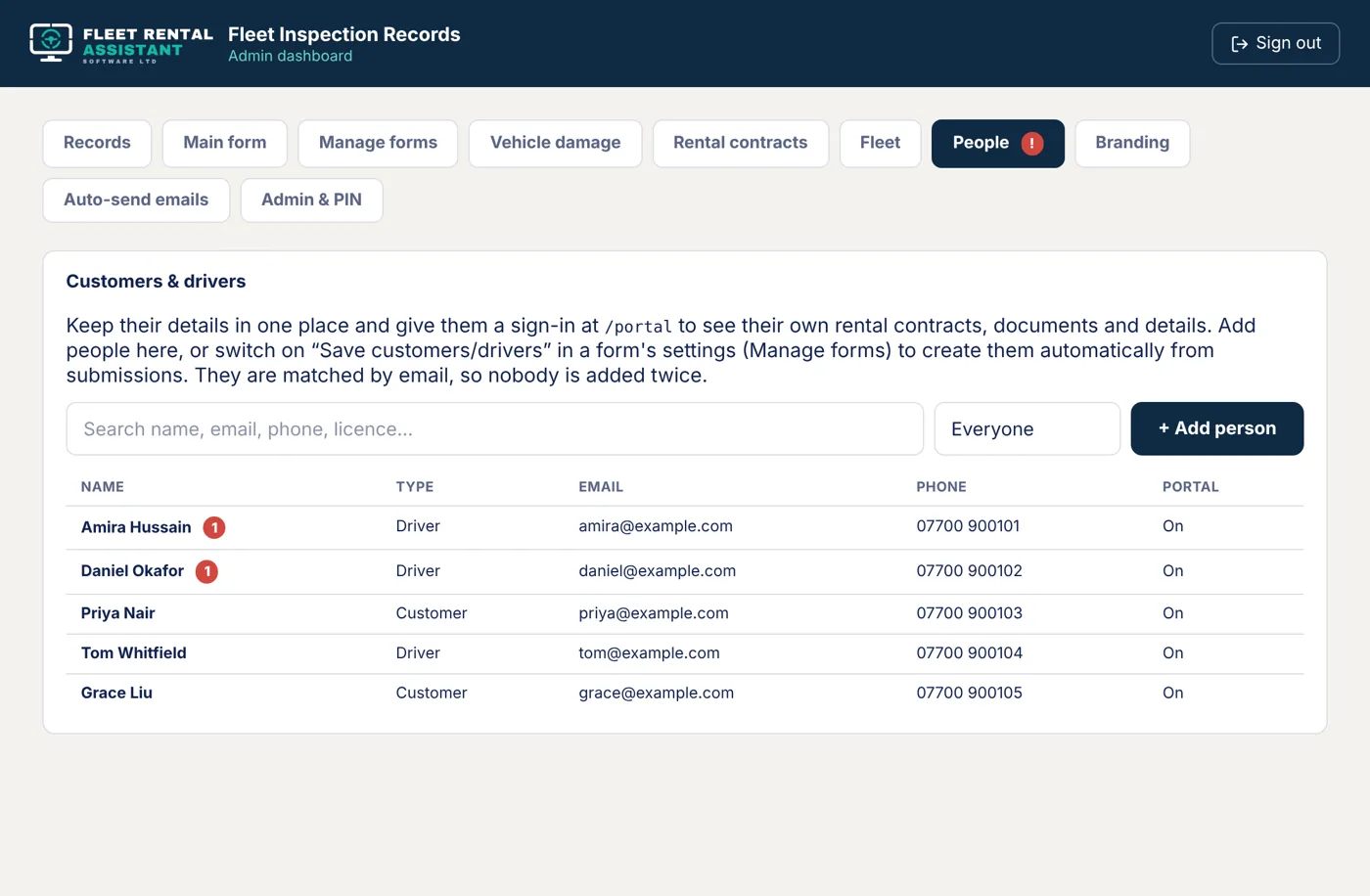
Built for the way rental companies actually work
- Phone-friendly for staff in the yard
- Customers and drivers saved automatically from your forms
- Your logo, colours and wording everywhere
- Reports and contracts as PDFs, emailed automatically
Free tools for PCO operators
TfL 6-month MOT calculator
Work out your mid-year MOT window for a London private hire or taxi vehicle from your licence start date.
Use the tool →Free MOT and tax checker
Check a UK vehicle's MOT and road tax status by registration number.
Use the tool →Free accident report form
Fill in a vehicle accident report on your phone, get a QR code for the other driver, sign and download a PDF. Free, no account needed.
Use the tool →Free rental damage check
Renting a car or van? Record its damage with a time-stamped report and check code, and look up any number plate to see damage reported before.
Use the tool →Cheapest fuel finder
Find the cheapest petrol and diesel near you with live UK prices. Enter a postcode or use your location. Free, no account.
Use the tool →Vehicle dimensions checker
Find the approximate length, width and height of a hire car or van by number plate, and check whether it fits under a height limit. Free, no account.
Use the tool →Fill in a PDF online
Type on any PDF, tick boxes, add your signature and download it. Free, no sign-up, and your file never leaves your device.
Use the tool →Frequently asked questions
What is Fleet Rental Assistant?
It is software for vehicle rental and private hire rental companies. It handles digital vehicle inspections, damage records, rental contracts with e-signature, customer and driver records and a customer portal, and fleet management.
Who is it for?
Private hire (PCO) car rental companies and other vehicle rental businesses that need consistent inspections, signed contracts and an organised record of every vehicle, customer and driver.
Does it work on a phone?
Yes. Inspections and contracts are designed for phones and tablets, so staff can complete them next to the vehicle. The admin side works on a desktop browser.
Can I use my own logo and wording?
Yes. You can put your own logo, company name and colours on the app, the PDF reports and contracts, and the customer portal, and use your own contract template and footers.
Can customers see their contracts and documents?
Yes. Customers and drivers sign in to the portal with a one-time code sent to their email. They can see their rental contracts, uploaded documents and personal details, and upload new documents.
How do I try it?
Request a demo. We will set you up with a demo version of the app to try with your own scenarios and answer your questions.
Is my data kept private?
Each company’s records are kept separate from others, access to the admin area needs a login, and customers only ever see their own information in the portal.
See it with your own fleet in mind
Request a demo and we will show you the app and answer your questions.
Request a demo